Three packages included:- CAD, CAM and CNC. Create drawings in the supplied CAD package or continue to use your own, the choice is yours. And if you’ve never used CAD before, head straight for the parametric library containing 89 pre-drawn shapes which you scale and customise.
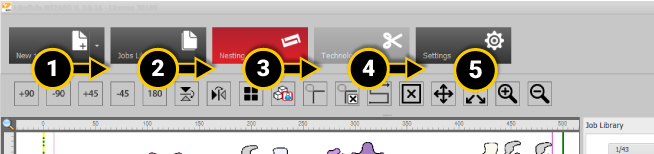
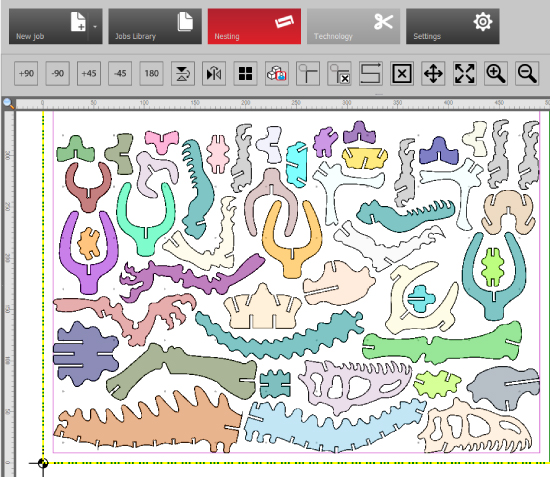
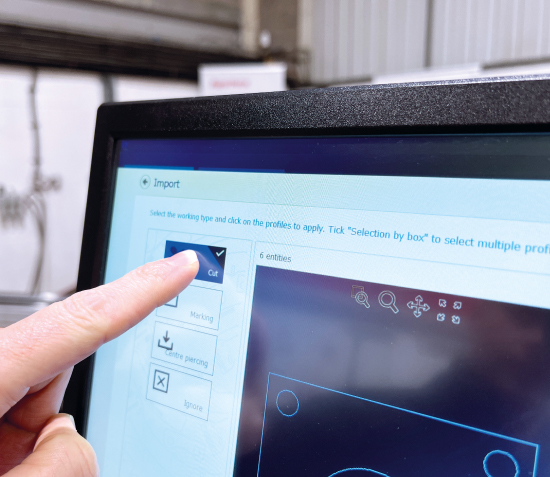
Clear step-by-step guidance ensures you’ll never miss a beat as you process your parts. Choose to cut, engrave, centre mark, or ignore any part of your drawing. Powerful nesting functionality ensures maximum plate utilisation and reduced waste.
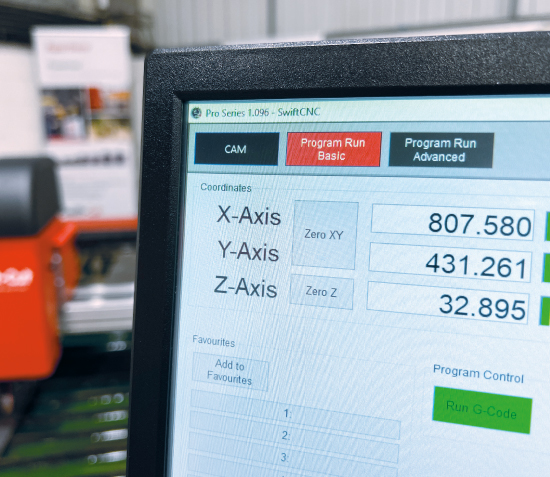
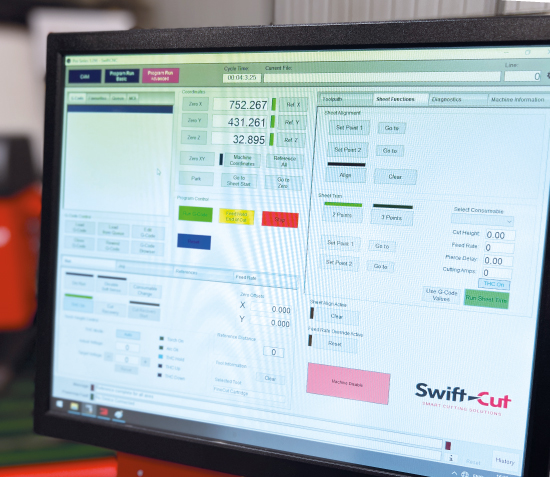
From the standalone operator’s console, you can draw, program, and control all aspects of your Swift-Cut machine. Detailed job reports show you cutting times and material usage, whilst also displaying the correct consumables to install for that job. Touch screen and keyboard/mouse inputs makes programming and controlling the table as easy as 1-2-3.
Load your favourite jobs in just one click. Use the sheet trim function to keep your unused material tidy and easier to store. The plate alignment feature means even if your material isn’t sat perfectly straight on the bed, you can easily adjust your nest to avoid the cutting head ‘running off’ the material.
Book a personalised demonstration with one of our sales team now
Take control of your cutting with a Swift-Cut CNC machine
Whether you’re ready to buy, would like a demonstration in our customer experience centre, or just have some questions regarding our machines or software, please feel free to leave an enquiry and one of our team will be in touch.